

Offline Intelligence: Wireless Pigmy Collection Sync
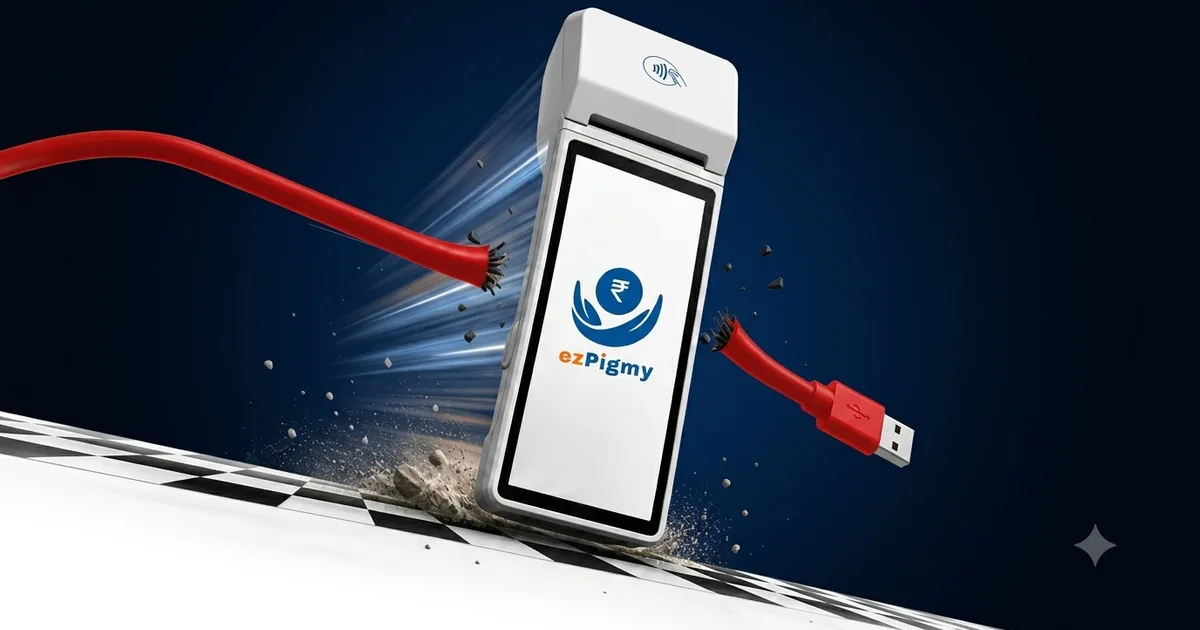
Ask anyone who has run a branch-managed pigmy collection with the old dedicated machines, and they'll describe the same ritual: the agent finishes their rounds, walks back to the branch, and plugs the machine into a PC over USB. Only then does the day's collection data actually leave the device. Until that cable goes in, nobody at the branch knows what was collected, from whom, or how much cash an agent is carrying.
That's not a software problem. It's a hardware problem — the machine was never connected to anything until someone physically connects it.
The USB Cable Is the Bottleneck
A one-a-day USB upload sounds like a minor inconvenience, until you look at what it actually costs a branch:
Zero visibility until the cable goes in. Everything an agent collected exists only on their machine until they're back at a PC — sometimes hours after the last doorstep visit.
One broken port, one lost day. If the USB port, the cable, or the upload software has a bad day, so does your reconciliation — the data is sitting right there on the device, just unreachable.
Someone has to run the upload, every single day. It's a manual step tied to one PC at one branch, which means it's also a single point of failure.
No partial visibility during the day. Even if an agent is having a great collection day, you find out only at upload time — never while it's happening.
None of this is about the agents doing anything wrong. It's simply what happens when a collection device isn't connected to anything until someone plugs it in.
What "Offline Intelligence" Means in ezPigmy
ezPigmy's field app doesn't have an "offline mode" you switch into — it always saves every collection to the device the instant it happens, receipt and all. From there, two things can happen, and the agent never has to think about which one it is:
- Signal available: the entry goes out immediately, and your branch sees it in real time.
- No signal: the entry is saved locally and marked pending — nothing is lost — and it syncs automatically the moment the device picks up a signal again, in the background, with no app switching and no manual step.
That's the "offline intelligence" — the device is always working, whether or not it happens to be connected right now.
No Cable, Because There's Nothing to Plug In
ezPigmy syncs over the same SIM or WiFi connection the agent's device already has — there's no separate upload step, no docking, and no branch PC involved in getting field data in. Nobody at the branch ever touches a USB port for this.
What This Looks Like for Your Branch
- Agent collects at the doorstep — a receipt prints on the spot, straight from the built-in printer (no separate printer or cable there either).
- The entry saves locally, instantly — whether or not there's a signal at that exact doorstep.
- It syncs the moment a signal is available — automatically, in the background, with no action from the agent.
- Your branch sees it — without anyone plugging anything into anything.
Old Pigmy Machine vs. ezPigmy
| Old Pigmy Machine | ezPigmy | |
|---|---|---|
| Getting data out of the device | USB cable, once the agent is back at the branch | Wireless, automatically, over the device's own connection |
| Branch visibility | Only after the day's upload | Live as it happens (or the instant signal returns) |
| Equipment needed at the branch | A PC with upload software | None |
| If the cable or port fails | Day's collections stuck until fixed | Nothing to fail — there's no cable in the loop |
| No-signal doorsteps | Device just holds data until docked | Keeps collecting locally, syncs automatically later |
Want to see offline-first, wireless collection working in your low-connectivity branches? Book a free demo →
Frequently Asked Questions
Related posts
ezPigmy
Ready to Digitize Your Pigmy Collection?
See how ezPigmy helps cooperative banks eliminate leakage, track agents in real time, and reconcile instantly.
Request a Free Demo